One device for work and play

Work Life Balance

Here is the tool for separating corporate data from personal.

No credit card required
Easy set-up
Highly Secure

Work profile

The simplest way to protect corporate data without touching employee privacy. One device. Two worlds. Zero compromise.
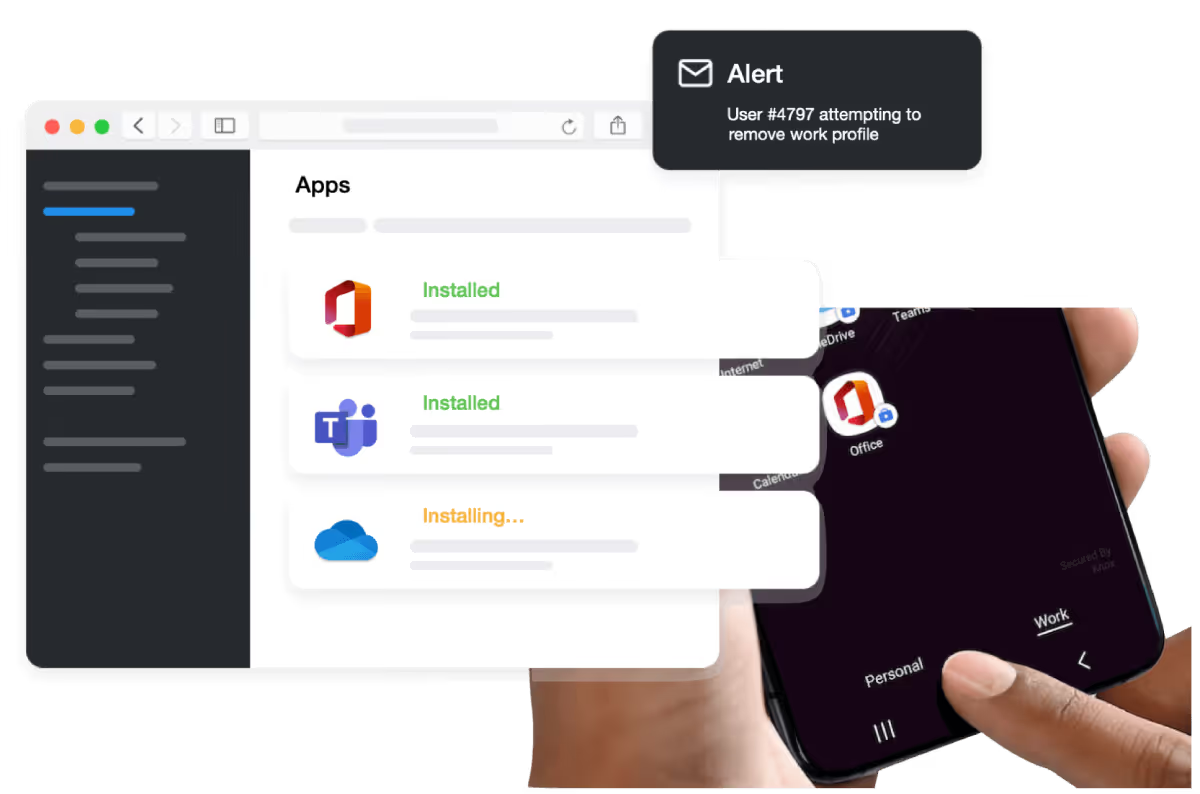
Hand holding smartphone showing a work profile screen with Microsoft Office app and an alert about a user attempting to remove the work profile on a computer screen in the background.

Quantem's work profile is built on a trusted, proven architecture that is structurally isolated from an employee's personal data — by design, not by policy. It's a simpler, more affordable alternative to buying dedicated endpoint devices, without compromising on enterprise-grade security. No unnecessary features, no noise — just what your business needs.

One device, Two profiles

No credit card required
Easy set-up
Highly Secure

Company networks or public wifi no worries
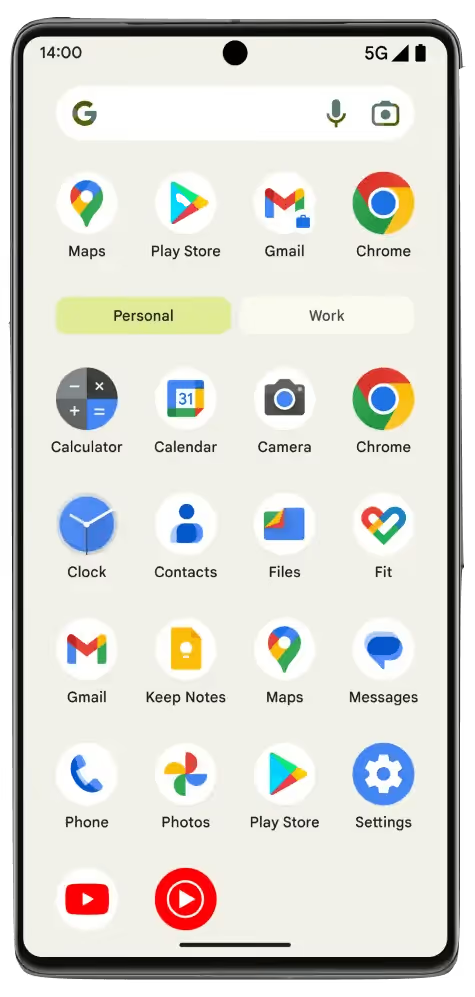
Smartphone screen showing app icons including Maps, Play Store, Gmail, Chrome, Calculator, Calendar, Camera, Clock, Contacts, Files, Fit, Keep Notes, Messages, Phone, Photos, and Settings with 'Personal' tab selected.

Personal

The organization has zero visibility into personal apps, photos, messages, or data. Employees stay private. You stay compliant.

Smartphone screen showing app icons including Maps, Play Store, Gmail, Chrome, Calculator, Calendar, Camera, Clock, Contacts, Files, Fit, Keep Notes, Messages, Phone, Photos, and Settings with 'Personal' tab selected.

Work

Push work apps, enforce policies, and manage settings on the corporate side of the device — instantly. A single toggle controls employee access.

Clean sweep

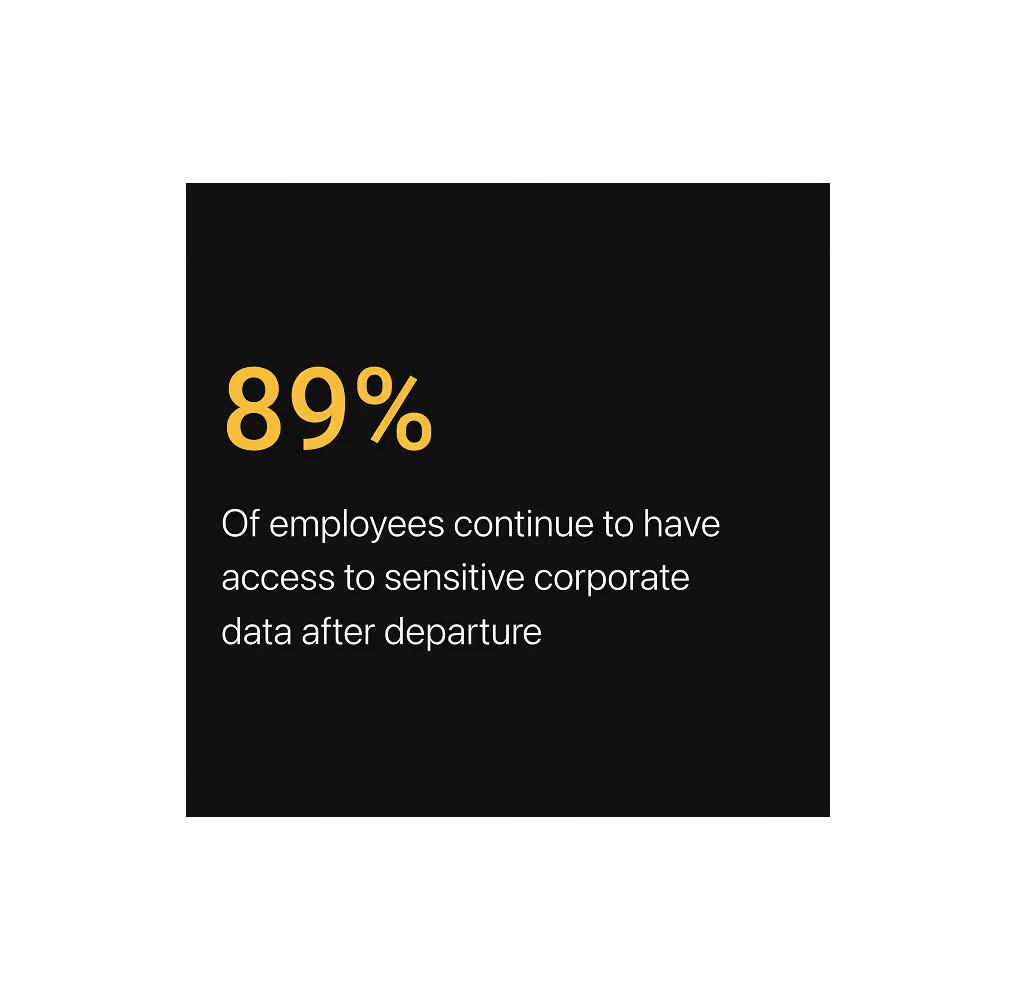
Once the employee moves out of your rolls the corporate data get wiped off.

Integrate your identity provider for automatic data wipe once you delete the employee from the IDP. No official data goes beyond the work portion of the device unless IT extended special privilege.
Conditional email access

Validate every time before the user attempt to access the corporate email client.

Global access policy or for a selective target users. Everything in a blink of a moment.
Save 50% on all plans for lifetime

Get the best MDM solution in market at best price

Essential
$2
$1
/ per device
Per month billed yearly
Multiple admin access, work profile mode, zero-touch enrollment, dashboard and reports, email support, and more!
Professional
$4
$2
/ per device
Per month billed yearly
Everything from the Essential Plan + private apps (200 MB), custom reports, geofencing, and more.
Enterprise
$6
$3
/ per device
Per month billed yearly
Everything from the Professional plan + unlimited private apps, dedicated endpoint manager, qtly billing realignment. AD integration and more.
Essential
Professional
Enterprise
QR code enrollment
Yes
Yes
Yes
Samsung knox mobile enrollment
No
Yes
Yes
Zero-Touch enrollment (Android Only)
No
Yes
Yes
Event feed
7 days
15 days
30 days
Activity log
1 month
2 months
3 months
Location tracking sync
15 mins
5 min
2 min
Location history
7 days
15 days
30 days
Secure browsing
Yes
Yes
Yes
Online Status sync
15 mins
5 min
2 min
Android Enterprise - Work Profile
Yes
Yes
Yes
Private App Version
Single
Upto 3 Versions
Upto 5 Versions
Private App
1 App / 50 MB
3 Apps / 150 MB
5 Apps / 250 MB
Console Access
3 Users
5 Users
15 Users
Alerts
Batt, Offline Status
Batt, Offline Status, Task Reminder
Batt, Offline Status, Task Reminder, Event based alerts
Device Online / Offline History
No
No
30 days
Kiosk Features
Essentials
Advanced Settings
Kiosk Pro Settings
Google workspace directory import
No
Yes
Yes
Okta directory import
No
Yes
Yes
Scheduled Custom reports
5 Reports
10 Reports
50 Reports
Geofencing
No
Yes
Yes
Free Migration Support
No
Add-On
Yes
Windows MDM Restrictions
No
Yes
Yes
Windows Managed Browser - Chrome & Edge
No
No
Yes
Windows MSI App Management
No
Yes
Yes
Feature / Value
Typical MDM Tools (Market Avg)
Pricing Model
Per device / month
Per device / month
Monthly Cost
$3 – $10+ / device
$1 – $3 / device
Free Trial
Limited / Credit card needed
21-day full access, no card
Setup / Onboarding
Paid or complex
Zero-touch enrollment included
Core Device Management
Included
Included (full platform)
Kiosk Mode
Often premium feature
Built-in across plans
App Management
Limited / tiered
Full control + private apps
Geofencing / Tracking
Higher-tier only
Starts in mid-tier
Custom Reports
Add-on / enterprise
Included (plan-based limits)
Security (SSL, infra)
Standard
Included in all plans
Migration Support
Paid service
Included (Enterprise)
Hidden Fees
Common
None (pay-as-you-go)

Support

Support that's always on — because your operations don't wait.

Free Consultation
Free Demo
24/7 Support

Whether you're starting from scratch or migrating from another MDM platform, our team will guide you every step of the way — enrollment, configuration, and beyond. You'll never be left to figure it out alone.

Frequently Asked Questions (FAQs)

1. What is BYOD?

BYOD(Bring Your Own Device) refers to the policy or practice of allowing employees to use their devices, such as smartphones, tablets, or laptops, for work purposes. It enables individuals to use their preferred devices and applications while accessing company resources and data.

2. What are the benefits of implementing a BYOD policy?

BYOD policies can offer several advantages, including increased employee satisfaction and productivity, cost savings for the organization, flexibility in device choice, and the ability to leverage the latest technology brought in by employees.

3. Are there any security risks associated with BYOD?

Yes, there are potential security risks with BYOD MDM solutions. When personal devices connect to company networks or access sensitive data, there is a possibility of data breaches, malware infections, or unauthorized access. This is why you need a secure MDM and a trusted partner to execute BYOD management.

4. How can an organization ensure data protection in a BYOD environment?

To ensure data protection, organizations should implement security measures for their BYOD environments. These could include strong encryption, MDM solutions, regular security updates, and employee education on safe device usage.

Start Your 21-Day Free Trial